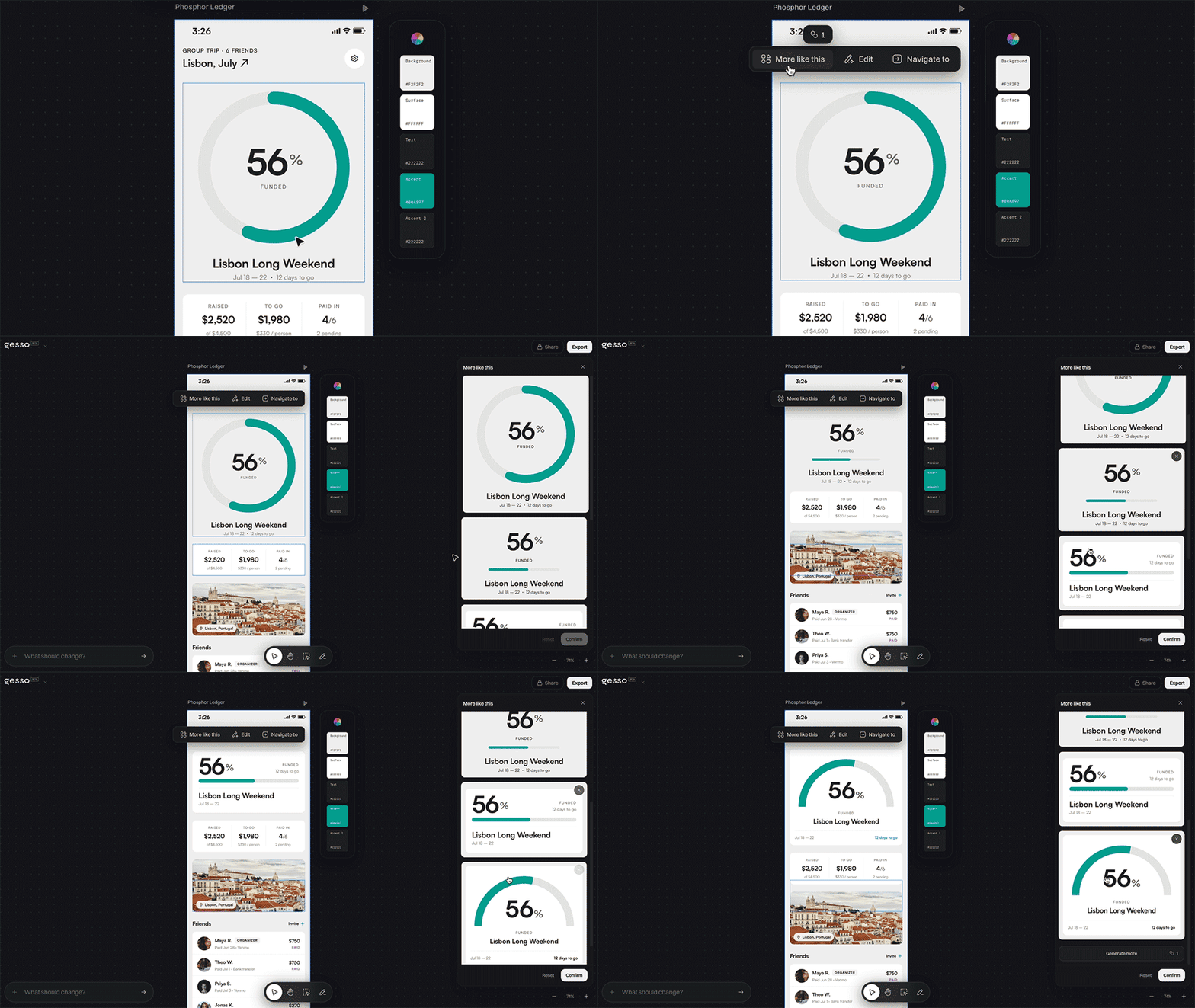
On a whole screen
1
Select the screen
Click the artboard and choose More like this on the bar above it, or
right-click it.
2
Pick a direction
The chat asks which way to go:
- New style, same layout: the structure stays, the visual design changes.
- New layout, same style: the look stays, the structure changes.
- Surprise me: anything can change.
3
Compare
Three new screens appear next to the original. They are ordinary screens:
keep the ones you like and delete the rest. Right-click one and choose
Detach to move it out of the group.
On a component
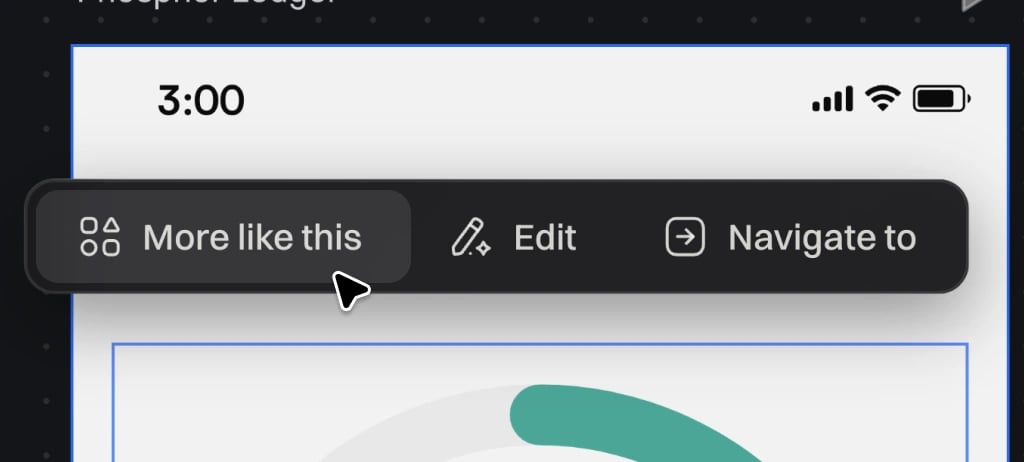
1
Select a component
Click any element inside a screen (a card, a chart, a nav bar) and choose
More like this on its bar.
2
Try the takes
A panel opens on the right with your current version and up to three new
takes. Click a take to preview it in place on the screen.
3
Keep one
Choose Confirm to keep it, or Reset to go back. Generate more
runs another round.