Create a flow
1
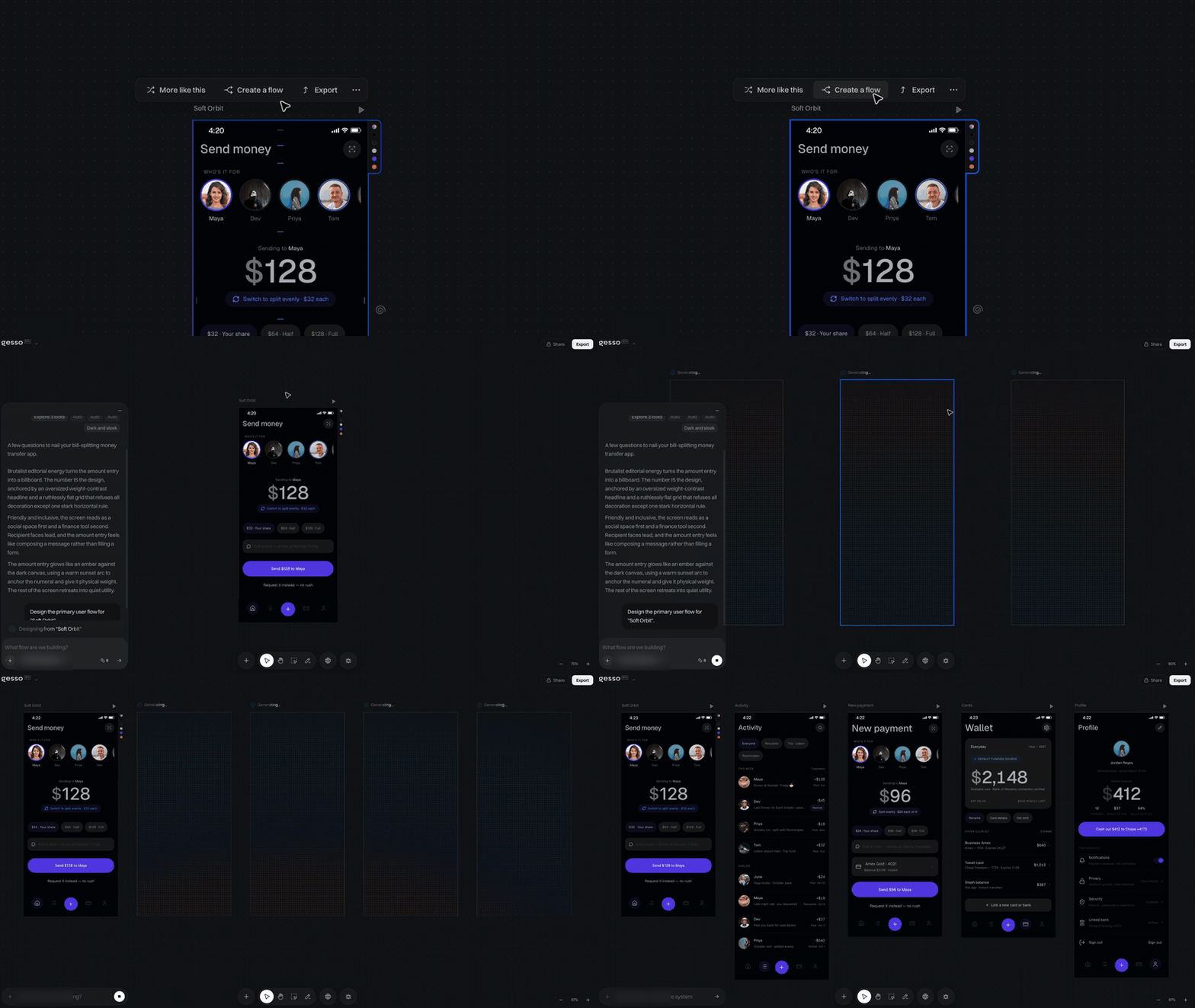
Select a screen
Click the screen the flow should grow from.
2
Choose Create a flow
It is on the bar above the screen (or Design a flow when you
right-click). Gesso plans the flow, usually three to seven screens, and
placeholders appear right away.
3
Watch it fill in
Each screen streams in beside the first, in the same style. When it is
done, keep refining in the chat: “add a confirmation screen”, “make the
empty state friendlier”.