1
Sign in
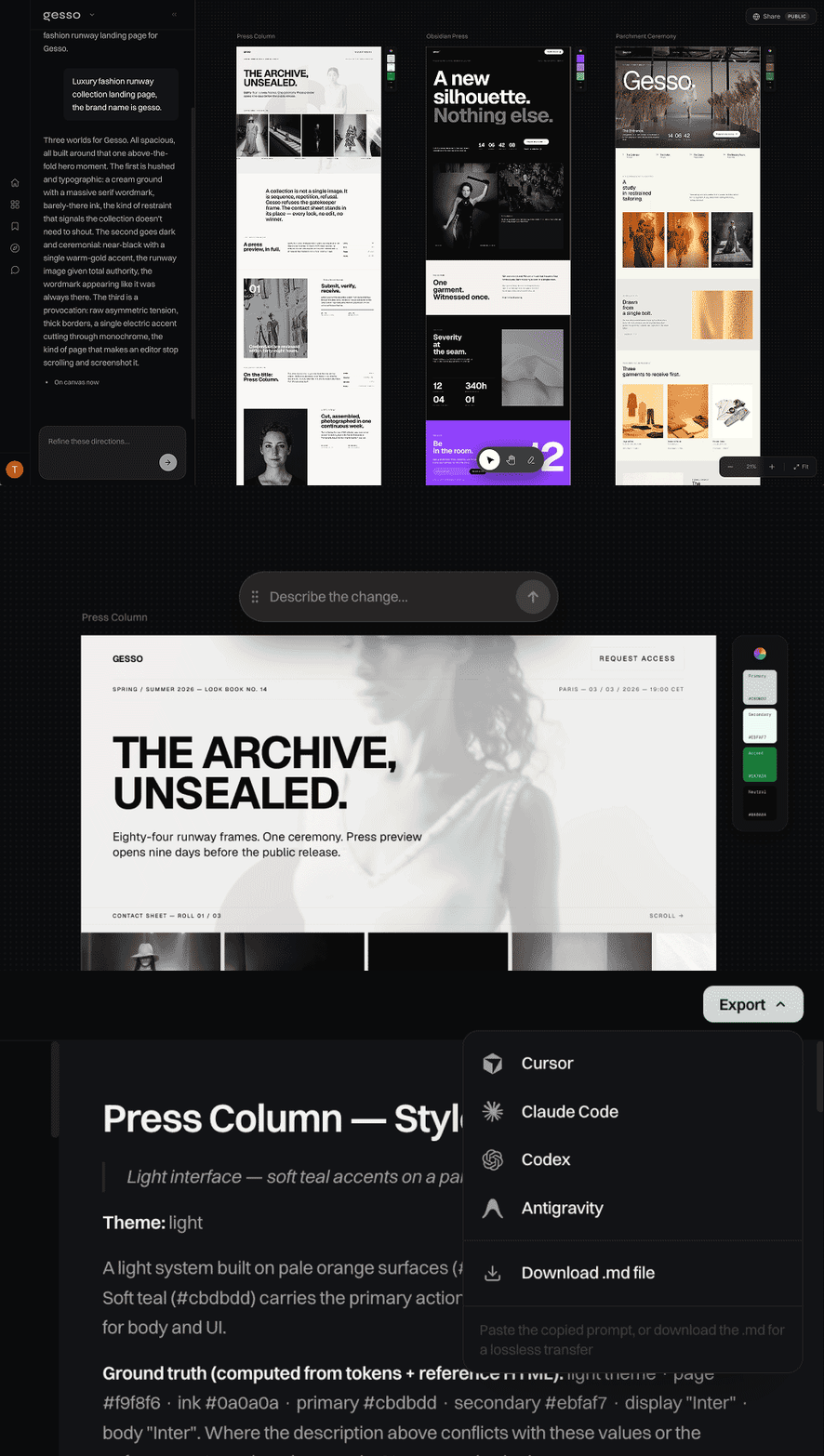
Go to app.gesso.build and sign in. A short
onboarding asks a few questions and lets you claim a username.
2
Write a brief
Describe what you want in a sentence or two: what the product is, who it is
for, and which screen or flow you need. Use the + in the chat box to add
context: Images (screenshots, wireframes, photos of sketches),
Documents (a design.md, a PRD, notes) or a Sketch.
3
Pick a mode and send
Choose Standard or Quality under the chat box; the price shows on
the send button. Gesso may ask a quick question or two, then plans the
design and works on it. A round usually lands in a few minutes, and the
canvas shows progress while it works.
4
Refine it
Ask for a change in the chat (“make the hero calmer”, “add a pricing row”),
select an element and edit just that, or use
More like this to see alternatives of a screen or
a single component.
Tips for a good brief
- Name the product and the audience. “A booking page for a two-chair barber shop” gives Gesso more to work with than “a booking page”.
- Say which screen, or ask for a flow: “a meditation app core flow”.
- If you already know the screens, list them. A brief that lays out its own structure keeps it.
- Bring your brand. A design doc or design system on the project carries into every design in it.
Where to go next
Flows
Grow one screen into a whole app.
Nodes
Build a new screen out of pieces on the canvas.
Sketch
Draw a layout and Gesso designs it.
Export and share
Hand the design to your coding agent.